I think "find each pixel" is a lot harder than you and I are describing it. (I've done some of this work before.) Without knowing the intrinsic parameters of the camera, and how the photo from the camera was cropped, it's pretty rough...
...but on the other hand, with a high enough quality photograph, and a low enough resolution original image... it sure seems possible.
I disagree - we know the grid used. So the scan will just go through and pull out the average color found within each pixel area in the grid array, then those colors are adjusted to the nearest 32bit version (as explained in parent). I've done this sort of thing to convert photos into "pointillist" style images.
The first pass might be off - I can imagine adjusting the grid size to skip the scan lines for more accuracy. But the final result will be very close with 5% of the work involved. The guy has spent a day and a half for a task that should take less than an hour at most.
I happen to have the premiere issue of Amiga World magazine and looking at the original printed image, I can tell you that the vertical scan lines are straight as an arrow, and line up perfectly with the (cropped) sides of the image.
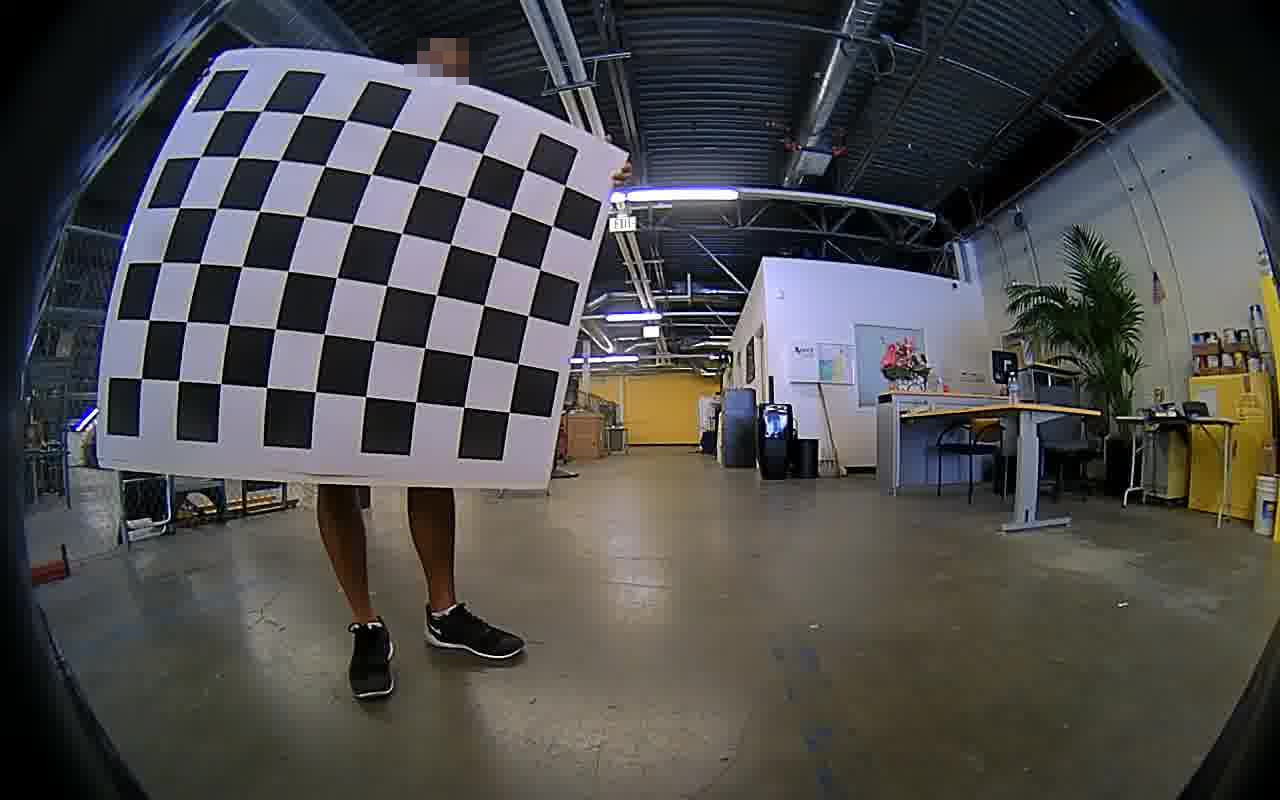
Even if they were distorted by a fisheye lens, it should be easy to use something like Photoshop's "pinch" filter to create an undistorted image to work from.
5. Group each pixel into a palette slot by plugging the H/S dimensions into K-means with 32 as the target (ignoring L for clustering to account for scanlines/flicker)
6. For each palette slot, calculate the "true" HSV value by taking the group's median H/S values and the mean V value
7. Convert HSV representation to 12-bit RGB colorspace
Sure, it's easy to write out the steps like that, but the devil is in the details. It's not super difficult for a human eye to figure out where the original pixels aught to go, but you just can't take a photograph of a photograph of a screen that was half-toned and printed with an offset printer or whatever they used and grab a clean original pixel matrix out of it with color accurate to even other parts of the image. The closer you get, the mushier it gets. Reducing the resolution using a nearest neighbor or bicubic algorithm would give you a cleaner pixel representation, but it still require a lot of cleanup to get the kind of accuracy he was going for, and inaccuracies would be a lot harder to spot in that context. I've worked on image-processing software for some big digital archival projects, I'm a long-time digital artist, and was a graphic designer having worked in print media. I would set myself a good long chunk of time to get that right and doing it for one single image rather than a necessarily reproducible process would not be close to worth it.
I was at least hoping he had an example image both in digital and print form from which to derive a mapping which could restore the pallette of four byte burger more accurately.



...but on the other hand, with a high enough quality photograph, and a low enough resolution original image... it sure seems possible.